Profile Settings
Welcome to Talvin AI, dear recruiters. In this guide, I will help you view your profile settings on the Talvin AI product.
Written By Talvin AI
Last updated Over 1 year ago
To check your profile settings, click on the profile picture or account name in the top right corner of the screen
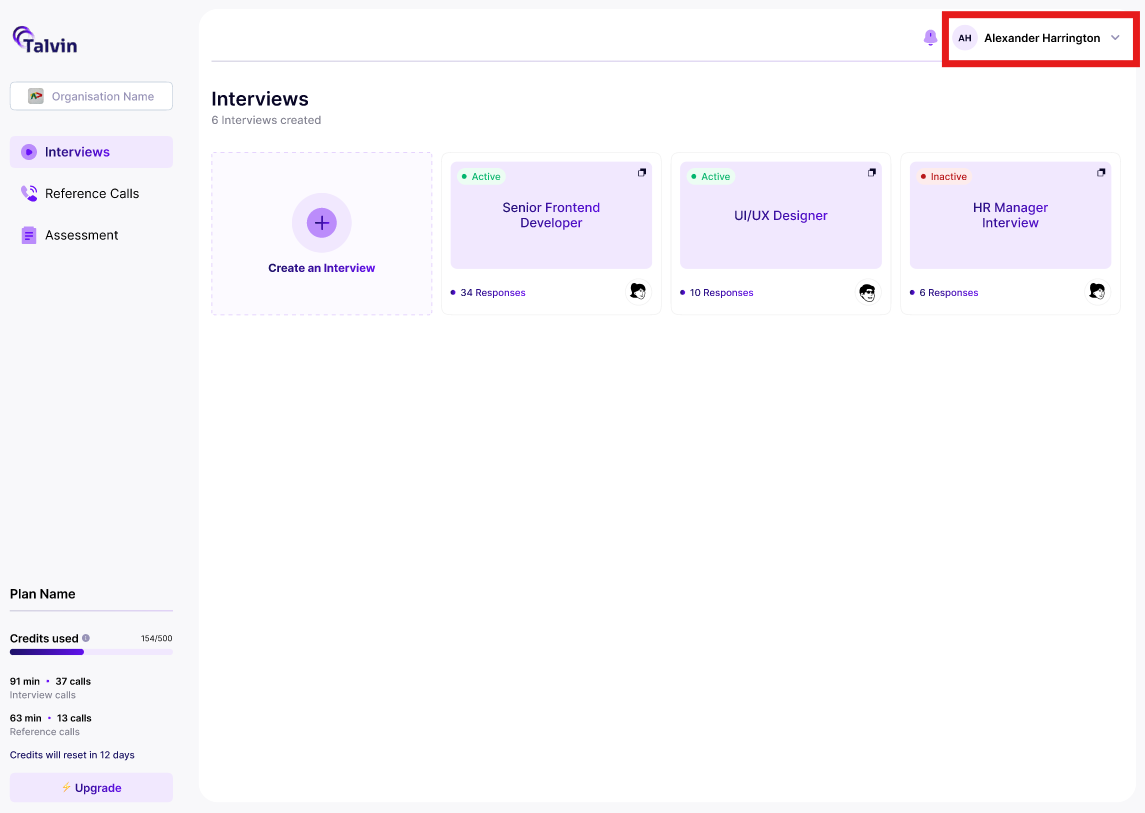
A pop-up will be shown below it with the options to manage your account or sign out. Click on the “Manage Account” option
You will be navigated to the profile settings pop-up
Here, you will be able to view your profile and security-related information
On the “Profile” tab, you’ll be able to:-
Add or update your profile picture
Manage, add, or remove secondary email addresses
Manage your connected Google accounts
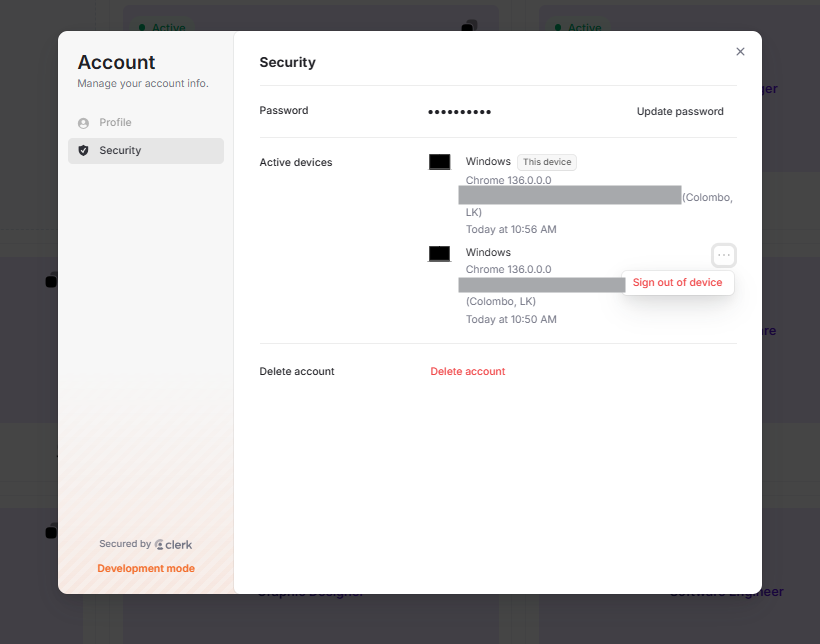
On the “Security” tab, you’ll be able to:-
Update your password
Sign out of all other devices
View active devices
Remove active devices
Delete the account
The next article is about managing your organization.