Quick Start Guide - Setting up your 1st Interview
A step by step guide on how to create your first interview on Talvin AI.
Written By Talvin AI
Last updated About 1 year ago
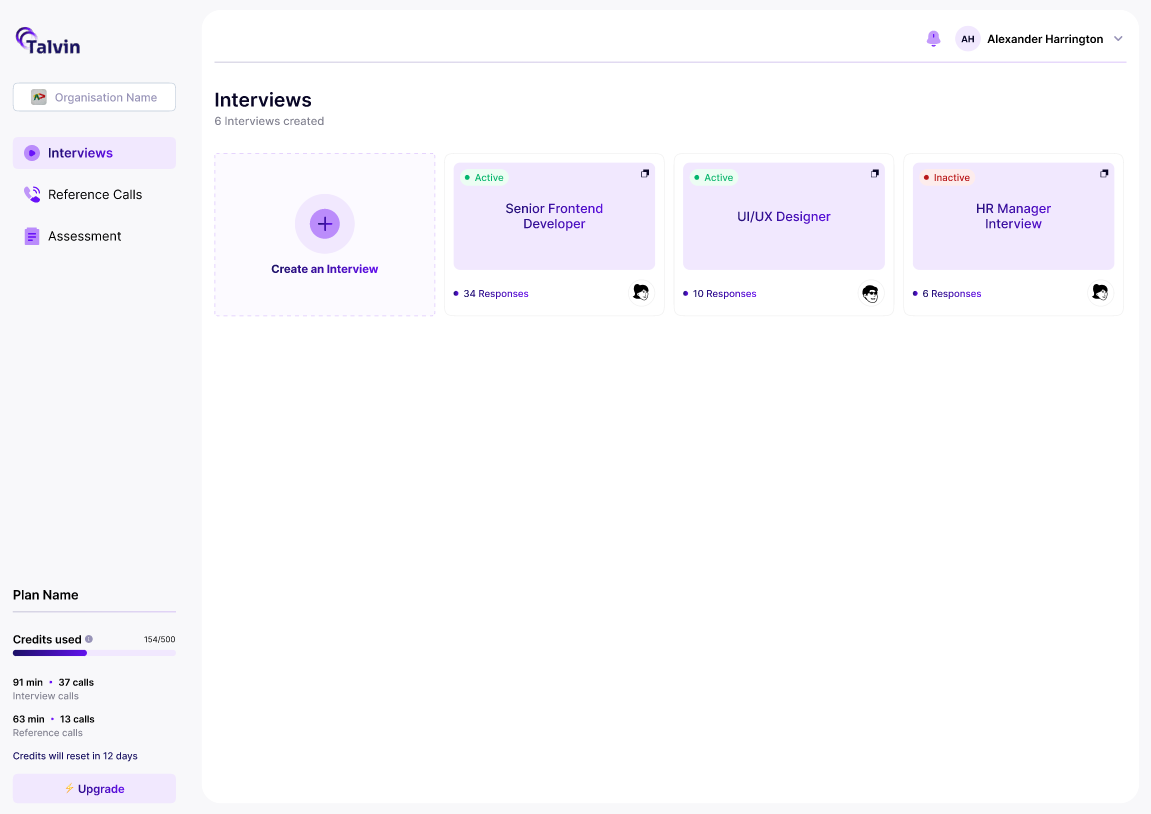
Click on the “Create an Interview” button
You will get a pop-up as shown below.
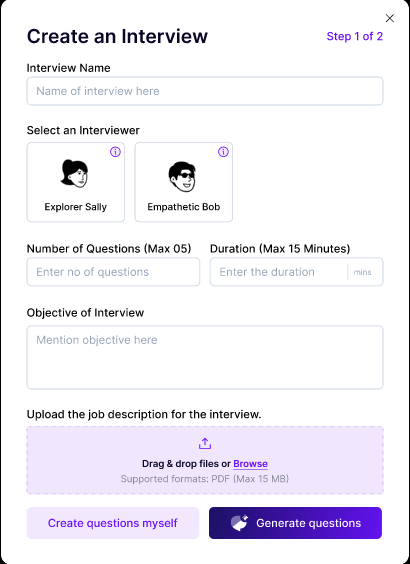
Fill in the details and add the job description if you prefer to add more context to the interview.
You can then choose to create the questions manually or generate questions based on the information you fill out in this pop-up.
If you choose the “Create questions myself” option, you will be navigated to the following pop-up
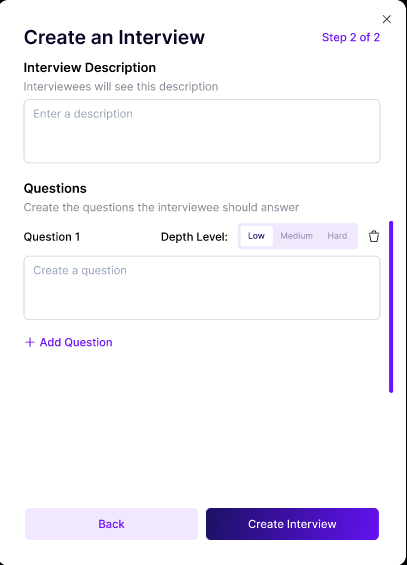
Alternatively, if you choose the “Generate questions” option, a pop-up with auto-generated questions will appear.
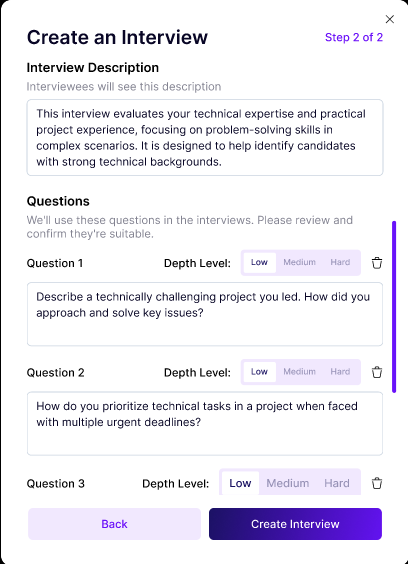
You can also set the depth level of the questions to determine how much detail or weightage the question should carry in the interview. You can add a maximum of 10 questions.
Once you click on the “Create Interview” button, the interview will be visible on the “Interviews” tab page.
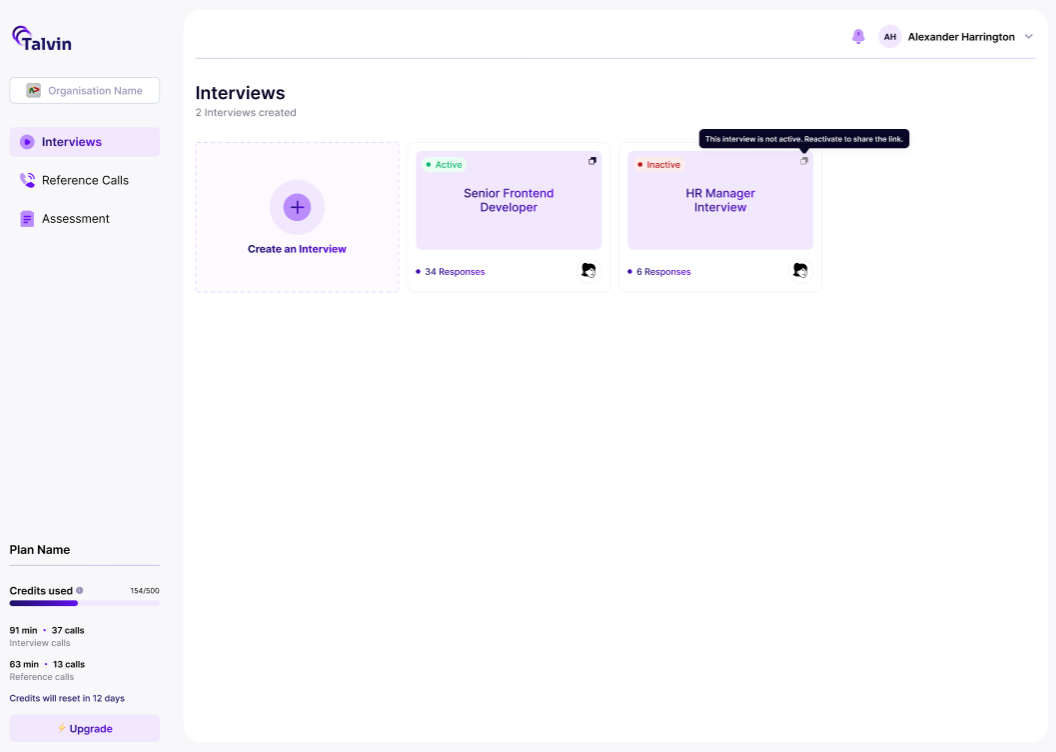
You can now share the link to the interview with the candidates using the copy link icon at the top right corner of the interview.