Team Access Levels and Permissions
Welcome to Talvin AI, dear recruiters. In this guide, I will help you manage team access levels and permissions on the Talvin AI product.
Written By Talvin AI
Last updated Over 1 year ago
To manage team members, their invites, and access levels, click on the organization name on the sidebar
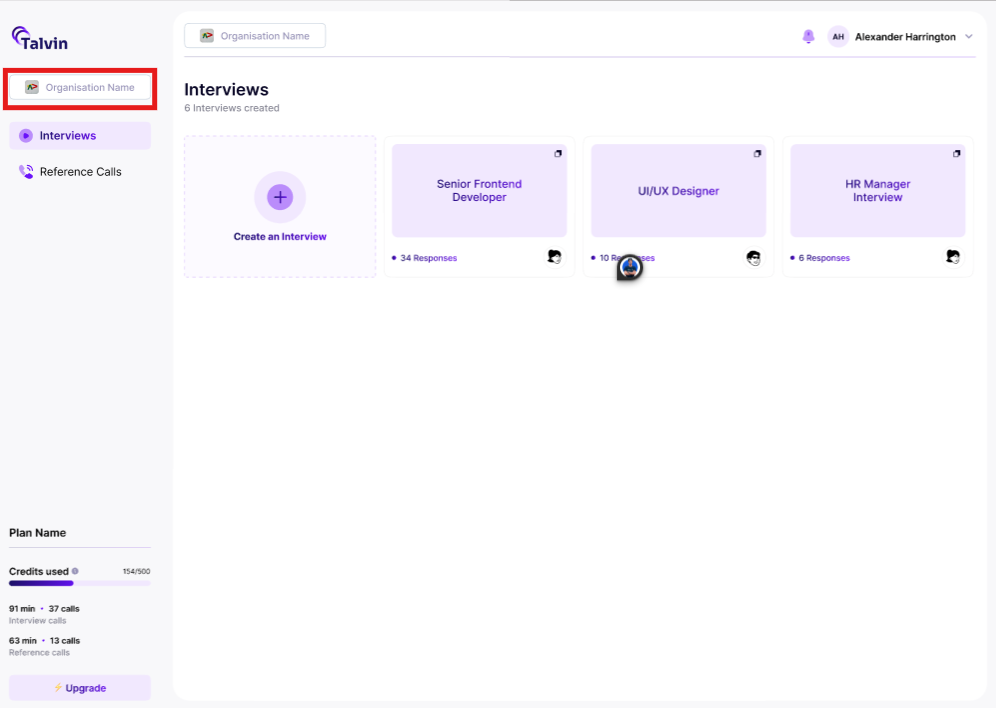
Click on the “Manage” button
On the pop-up displayed, click on the “Members” tab
Here, you have the option to:-
View members
Search members
Update their user role
Invite members to join Talvin.ai
Remove an existing member
Manage sent invites
The next article discusses an overview and dives into the features of Talvin.ai available.