Managing your Organization
Welcome to Talvin AI, dear recruiters. In this guide, I will help you manage your organization on the Talvin AI product.
Written By Talvin AI
Last updated Over 1 year ago
To manage your organization, click on the organization name on the sidebar
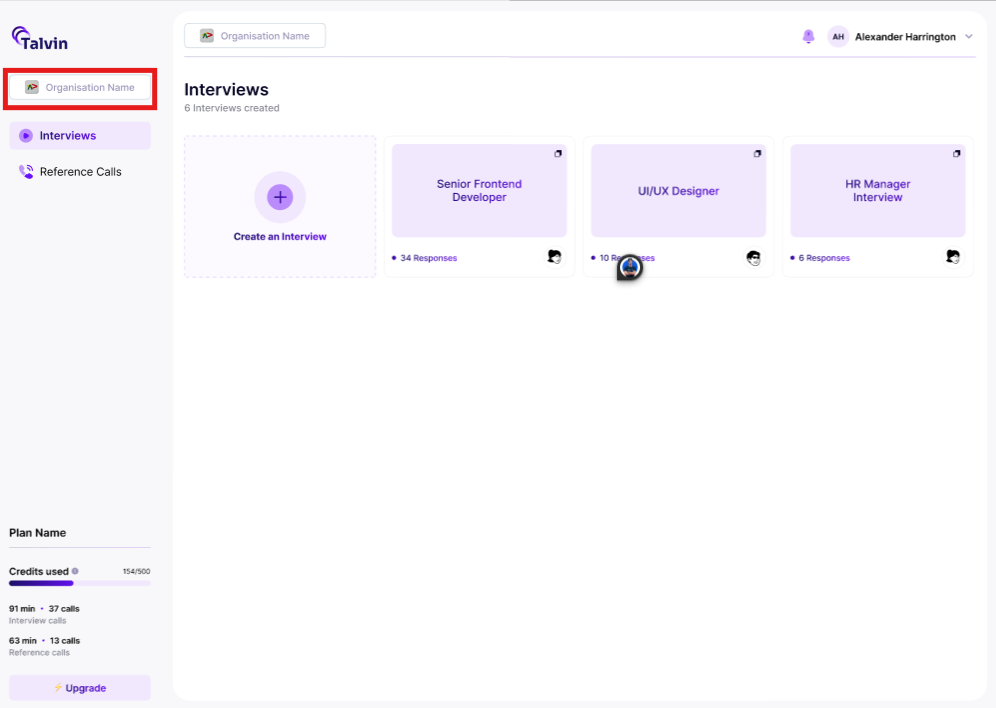
Click on the “Manage” button
On the pop-up displayed, click on the “General” tab
Here, you have the option to:-
You can add the organization profile image
You can update the organization profile image
You can leave the organization
You can delete the organization
The next article discusses managing subscriptions.